

How to Integrate OTP Verification With Your WordPress Forms (Stop Spam and Fake Leads Instantly)
Hi there! 👋 Are you tired of waking up to an inbox full of fake inquiries and spam submissions? If you’ve ever looked at your WordPress dashboard and felt overwhelmed by a sea of generic “test” leads or bot-generated messages, you aren’t alone.
In today’s fast-paced digital landscape, lead generation is the lifeblood of any growing business. But there’s a catch: not all leads are created equal. Dealing with “painful decisions” about which leads to follow up on: or worse, wasting hours on piles of paperwork for contacts that don’t even exist: can drain your team’s energy and your marketing budget.
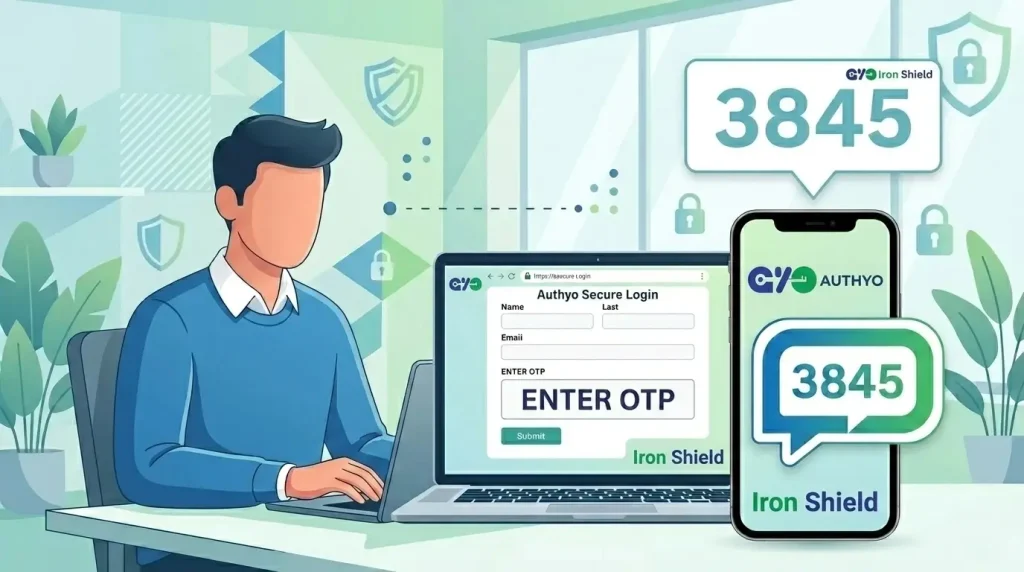
That’s where One-Time Password (OTP) verification comes in. By adding a simple verification layer to your WordPress forms, you can ensure that every lead has a valid phone number or email address before they ever hit your database.
In this guide, I’ll show you exactly how to use Authyo’s OTP verification plugins—the OTP engine within the broader Jalpi suite by Konceptwise Digital Media Pvt Ltd—to secure your forms and improve lead quality. Authyo handles OTP verification and management, while Jalpi serves as the parent business platform that brings together communication, automation, and operational tools in one unified ecosystem. Let’s dive in! 🚀
The Hidden Cost of “Free” Leads: Why Spam is Killing Your ROI

Let’s be real: getting “junk” leads is more than just a nuisance. It’s a silent killer of productivity. When your sales team spends their morning calling disconnected numbers or sending emails that bounce, they aren’t just losing time; they’re losing morale.
Here is what happens when you don’t verify your leads:
- Wasted Marketing Spend: You’re paying for ads to drive traffic to your forms, only for bots to fill them out.
- Damaged Sender Reputation: Sending emails to non-existent addresses can get your domain blacklisted.
- Distorted Analytics: How can you measure your conversion rate accurately if 40% of your submissions are fake?
- Security Risks: Unprotected forms are prime targets for malicious script injections.
The solution isn’t to stop collecting leads; it’s to start verifying them. By integrating Authyo OTP verification, you move from a “quantity over quality” approach to a seamless, automated workflow that only lets the real customers through.
Introducing Jalpi’s 6S Philosophy for Form Security
At Jalpi, we don’t just build tools; we build foundations. Authyo is part of the Jalpi suite by Konceptwise Digital Media Pvt Ltd, which means business owners can access trusted WordPress verification plugins powered by Authyo under one unified platform. Jalpi is the broader business management suite, while Authyo is the dedicated engine behind OTP verification and user validation.
Our Authyo OTP plugins support popular form builders such as Contact Form 7, WPForms, Ninja Forms, and other supported WordPress form integrations, while staying aligned with Jalpi’s core 6S Philosophy:
- Simple: Easy to install, even for non-developers.
- Scalable: Whether you get 10 leads a day or 10,000, our cloud-based infrastructure grows with you.
- Stable: 18+ years of expertise ensures your forms stay up and running.
- Secure: Privacy-first. We never sell your user data.
- Standardized: Consistent performance across supported form builders.
- Sustainable: Reliable technology that keeps your business moving forward.
Technical Prerequisites: What You’ll Need

Before we get into the “how-to,” ensure you have the following ready to go. Technical compliance is key to a smooth setup!
- A Jalpi Account: You must have an active account to access the broader platform and connected services. Sign up here if you haven’t already.
- WordPress Admin Access: You need permission to install and activate plugins.
- Active Form Builder: Make sure you have a supported form plugin installed on your site, such as Contact Form 7, WPForms, Ninja Forms, or another supported Authyo-compatible builder.
- Authyo OTP Configuration Access: You’ll need the required API credentials or configuration details available through your connected Jalpi Dashboard, where Authyo operates as the OTP verification layer.
Step-by-Step Guide: Integrating OTP with Contact Form 7
Contact Form 7 is a staple for WordPress users, but its simplicity can often be exploited by bots. Here is how you can add a layer of Authyo OTP security using the Authyo plugin, available within the broader Jalpi suite:
1. Install the Authyo OTP Plugin
Go to your WordPress Dashboard > Plugins > Add New. Search for “Authyo OTP for Contact Form 7” and click Install Now, then Activate.
2. Configure the API Settings
Navigate to the Jalpi menu in your WordPress sidebar.
- Enter your API Key: Copy it directly from your Jalpi dashboard.
- Choose Delivery Channel: Decide if you want to send codes via WhatsApp Business API, SMS, or Email.
- Pro Tip: WhatsApp OTPs have a much higher open rate and add a level of professional credibility to your brand!
3. Map Your Form Fields
You must tell the plugin which field is the “Phone Number” or “Email” field.
- Open your Contact Form 7 edit screen.
- Find the Authyo OTP tab or settings panel (usually on the right or at the bottom).
- Ensure you select the correct field name (e.g.,
[your-phone]) for verification.
4. Enable Verification
Toggle the “Enable OTP Verification” switch to On. Save your form.
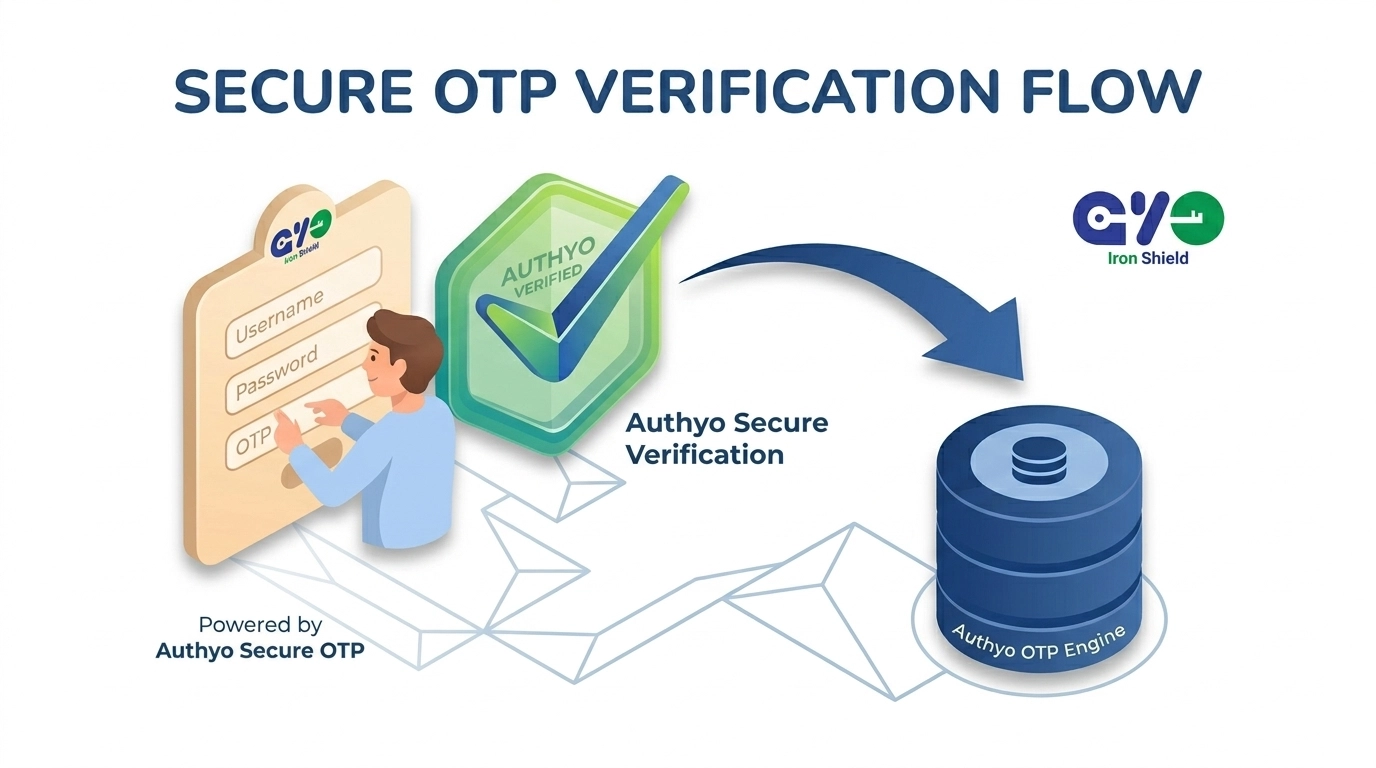
Result: Now, when a user clicks “Submit,” they will see an instant pop-up asking for the 4-digit code sent to their device. Only after entering the correct code will the form actually be submitted to you.
Step-by-Step Guide: Integrating OTP with WPForms
WPForms is known for its drag-and-drop ease. The Authyo integration, available within the Jalpi suite, is just as intuitive!
1. Activate the Authyo Integration
Once the Authyo OTP for WPForms plugin is installed, go to WPForms > All Forms and select the form you want to protect.
2. Add the “Verify” Field
In the form builder, look for the “Authyo OTP” field in the left-hand sidebar. Drag and drop it right above your “Submit” button.
3. Customize the Message
Under the field settings, you can customize the message your customers see.
- Make sure the wording is clear: “Enter the code sent to your phone to confirm your inquiry.”
- Optional: You can set a timeout for the code (e.g., 5 minutes) to enhance security.
4. Test the Flow
Always test your form! Open your site in an incognito window, fill out the form, and verify that you receive the OTP. If everything is set up correctly, you’ll see the seamless transition from form filling to verification.
Why Choose Authyo for Your WordPress Security?
You might be wondering: “Why not just use a standard CAPTCHA?”
While CAPTCHAs stop bots, they don’t stop bad data. A human can solve a CAPTCHA and still provide a fake phone number. Authyo’s OTP verification plugins—part of the broader Jalpi suite by Konceptwise Digital Media Pvt Ltd—solve both problems at once. You get a real person with a real contact method, while Jalpi provides the parent platform for broader business management and growth.
Beyond verification, the Jalpi ecosystem offers:
- Unified Product Ecosystem: Jalpi is the single, unified home for Authyo and related business products, making it easier to manage verification, communication, and operations from one suite.
- Authyo Plugins for Popular Form Builders: Protect forms built with Contact Form 7, WPForms, Ninja Forms, and other supported WordPress form plugins with specialized OTP verification.
- Privacy-First Approach: We take data protection seriously. Your customers’ contact info is used only for the verification you requested.
- Multi-Channel Engagement: Don’t just verify: engage! Use our Communication Tools to send follow-up notifications via WhatsApp or Email automatically.
- Actionable Insights: Our Intelligent Assistant can help you analyze lead patterns and suggest improvements to your conversion flow.
- Comprehensive Business Suite: Jalpi goes beyond plugins with tools for WhatsApp Business API, RCS, Cloud IVR, SMS, Email, Task Management, HRMS, and Invoice Management.
Stop the Spam, Start Growing

The move to an automated, verified workflow isn’t just a technical upgrade; it’s a strategic business move. When you eliminate the noise of spam, you can finally hear the signal of your actual customers.
Stop letting fake leads dictate your workday. Take control of your lead quality and give your sales team the verified data they deserve.
Ready to secure your forms?
👉 Explore Jalpi Pricing and Plans
👉 Need help setting up? Visit our Knowledge Base
👉 Have a specific requirement? Contact our team today!
Boost your efficiency, protect your data, and scale your business with the power of Authyo for OTP verification—backed by Jalpi as the unified parent platform for business tools and operations. Simple. Scalable. Secure.